Pinpointe Release Notes — July 2026
This release brings several improvements to the new UI, including more consistent segment behavior, faster contact list creation, and clearer export status. It also includes a major refresh of our email template library. See the full notes below.
Improvements

More than 80 new email campaign templates are now available in the template library, featuring fresh, modern designs optimized for both desktop and mobile viewing. As part of this update, a number of older legacy templates have been retired to keep the library focused and easy to browse.
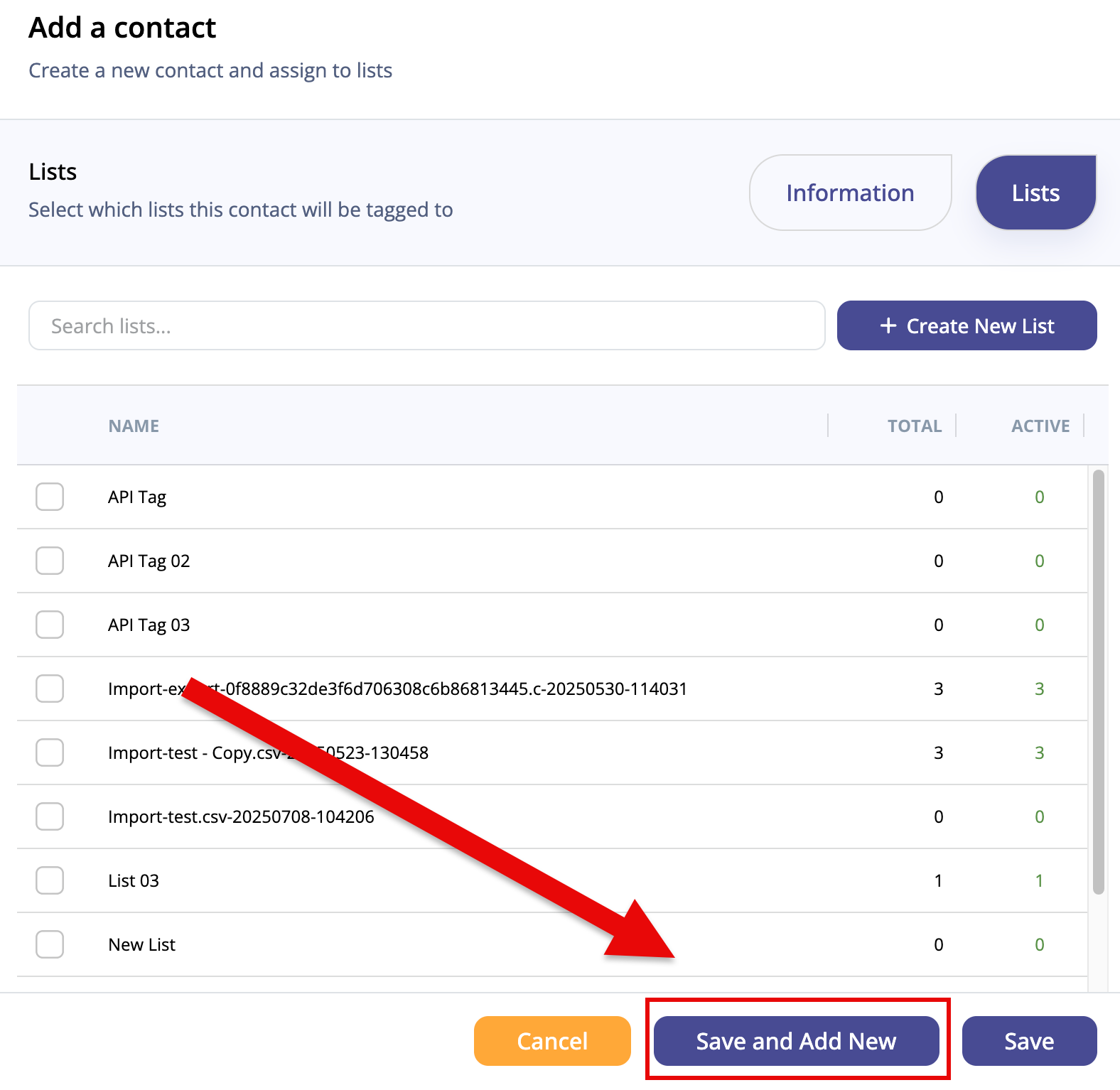
When adding an individual contact in the new UI, a new "Save and Add New Contact" button lets you save the current entry and open a fresh form right away — no need to reopen the modal manually for each contact.
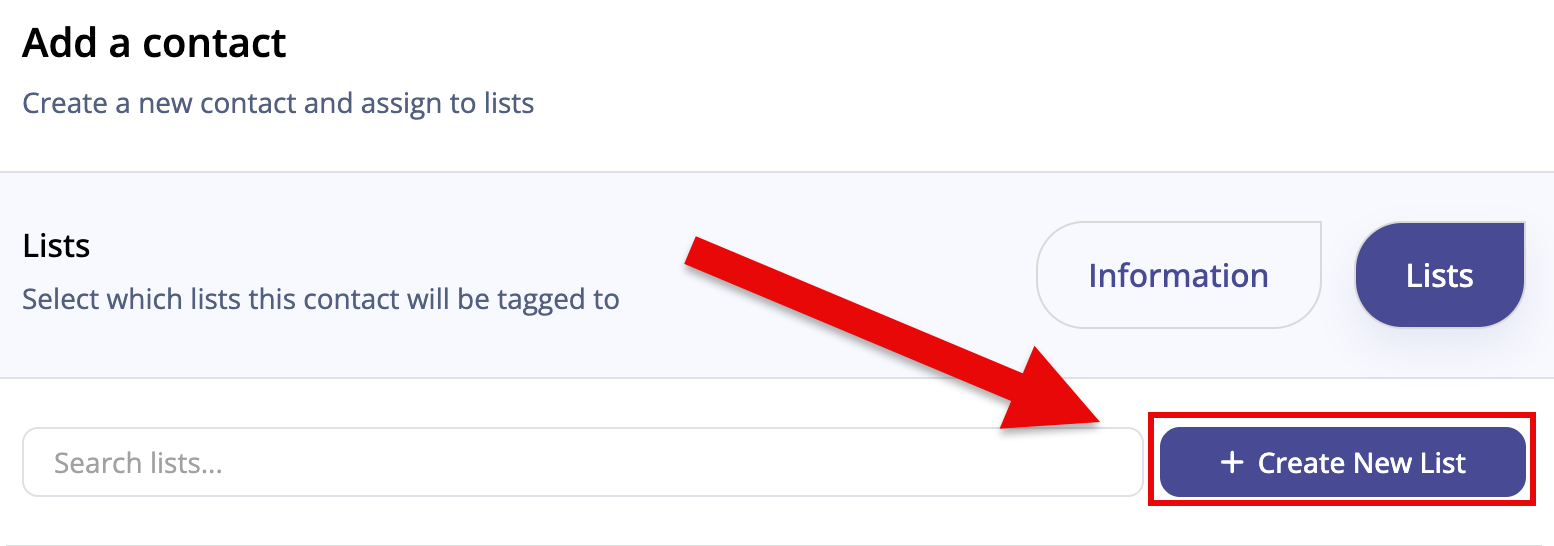
A "Create New List" button now appears in the Add a Contact modal alongside the existing list search field. You can create a new tagged list on the spot without navigating away, keeping your workflow in one place.
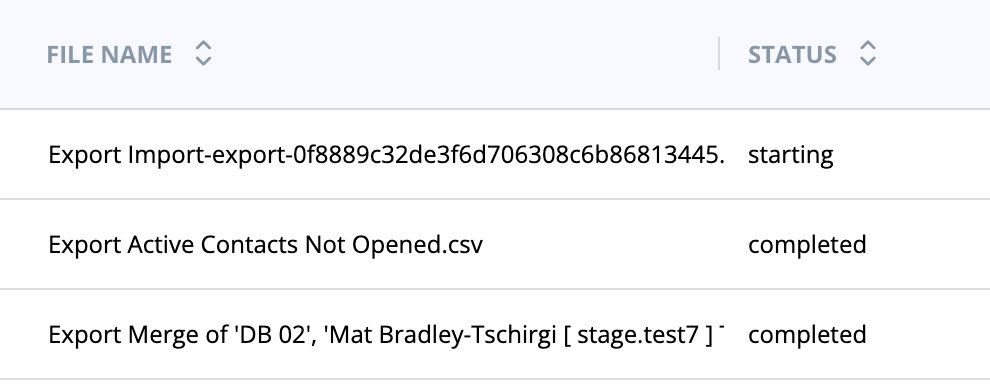
In the new UI, the Export Queue displays more distinct status labels and better progress counts as your export moves through the queue toward completion, so you always know where things stand.
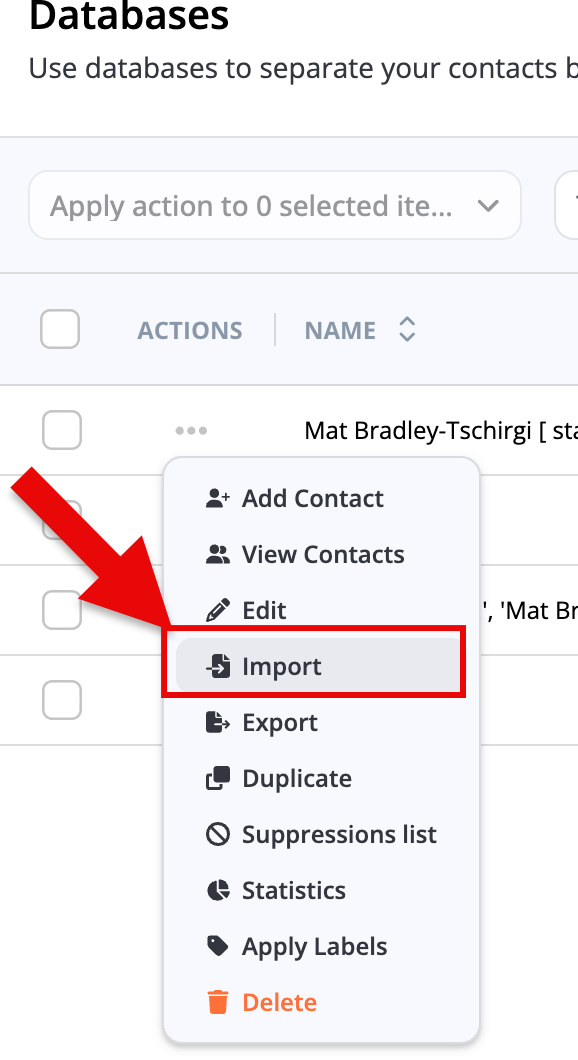
On the Databases screen in the new UI, the Actions Menu now shows Import above Export — the order that matches how most workflows actually run.
When building segments, "Delivered Email Campaign" is no longer available as a segment rule. This removes a rule that was not functioning as intended and keeps the segment-building experience focused on reliable criteria.
A dedicated API endpoint for deleting segments is now available. It supports deleting a single segment or multiple segments in one request, giving API users more direct control over segment management.
Embedded signup forms no longer cut off the CAPTCHA input field on mobile screens. Contacts filling out a form on a phone or tablet will now see and interact with the CAPTCHA without any display issues.
Bug Fixes

Segments in the new UI now behave consistently with how they work on the Databases and Lists screen — including how they are created, applied, and paginated. A "+" icon for creating a label has also been added to bring the experience in line.
Questions about anything in this release? Reach out to the Pinpointe support team — we're happy to help.