The Export Queue page can be found in the Import / Export section. The Export Queue page provides a listing of all exports for your account.
NOTE: It is highly recommended you read the "New UI Basic Functions Overview" article first, as it provides an overview of all Pinpointe audience types and how the various pages and sections are accessed and structured.
There are several ways to access the Export Queue page in the Import / Export section.
- Select the "Export Queue" option under the main "Contacts" menu. This will take you directly to the Export Queue page.

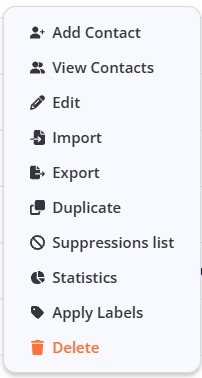
- You will automatically be redirected to the Export Queue page any time you have completed an export using the "Export" option on the Databases page.
Column Controls
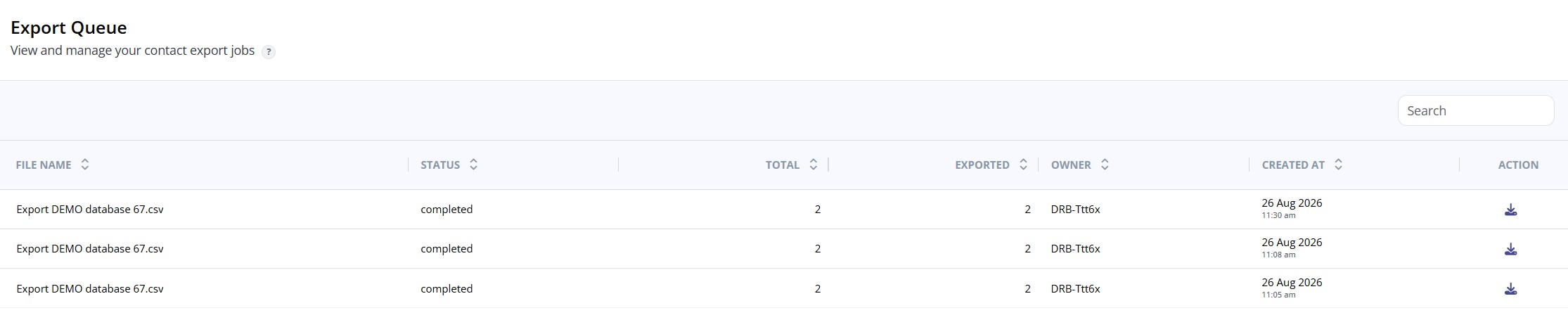
- FILE NAME - name you gave your export file
- STATUS - the status of the export process
- TOTAL - total number of contacts targeted
- EXPORTED - total net number of contacts in the exported file
- OWNER - user who created the export
- CREATED AT - displays the timestamp of when the export began
- COMPLETED - displays the timestamp of when the export was completed
- ACTION - clicking the "down arrow" icon will export the CSV file to your local system