Pinpointe's New UI features updated, easier to use menus and a new look across several parts of the platform including Contacts, Email Campaigns, and Resource Management.
Let's take a broad look at the pages that feature the New UI:
TABLE OF CONTENTS
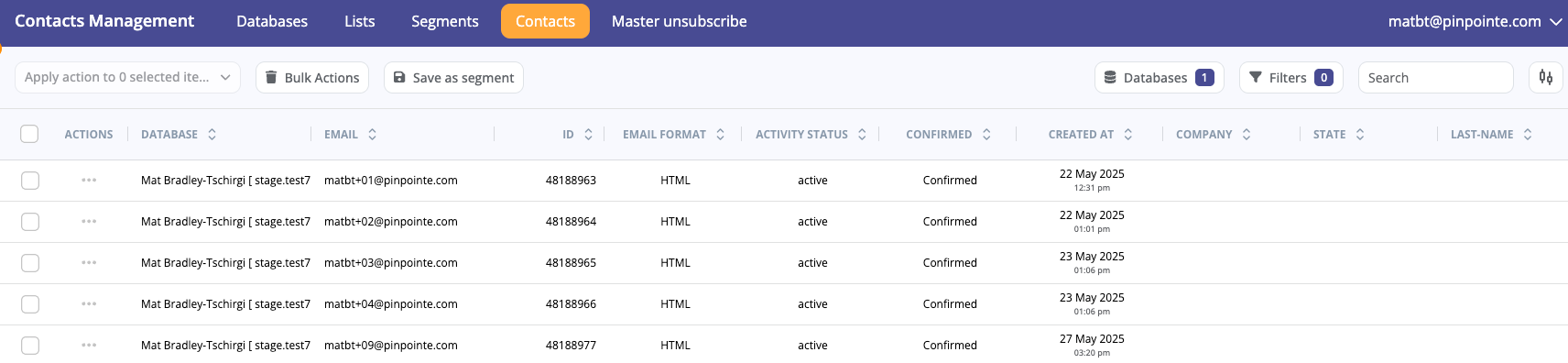
Contacts Management
Contacts Management features sections that rely on contacts including databases, lists, and segments.
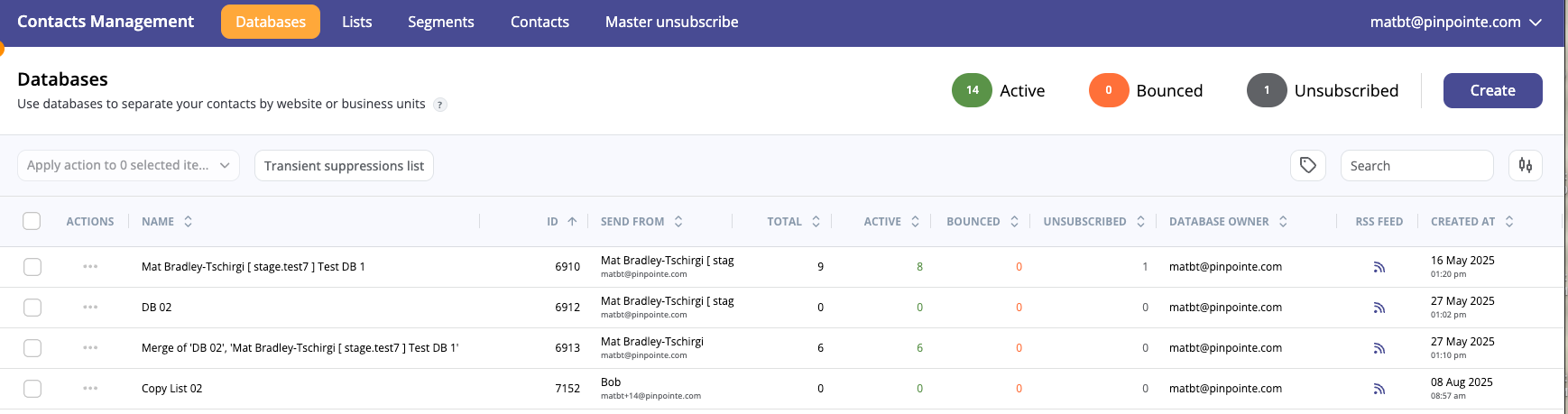
- Databases separate contacts by websites or business units. At least one database is required. It's recommended only to have one database, but you can create as many as you like.
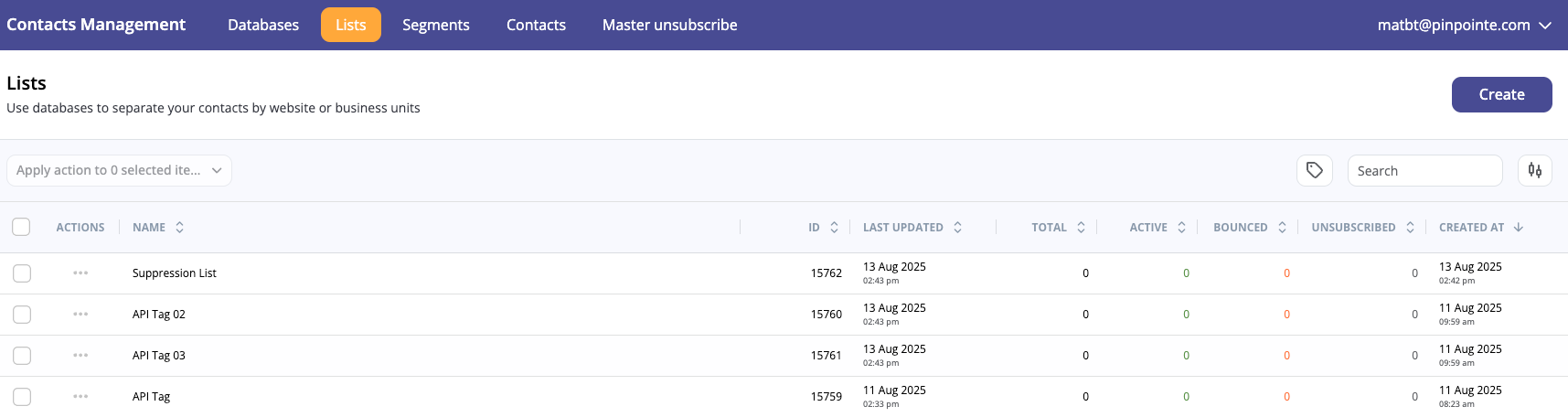
- Lists allow you to further refine your contacts.
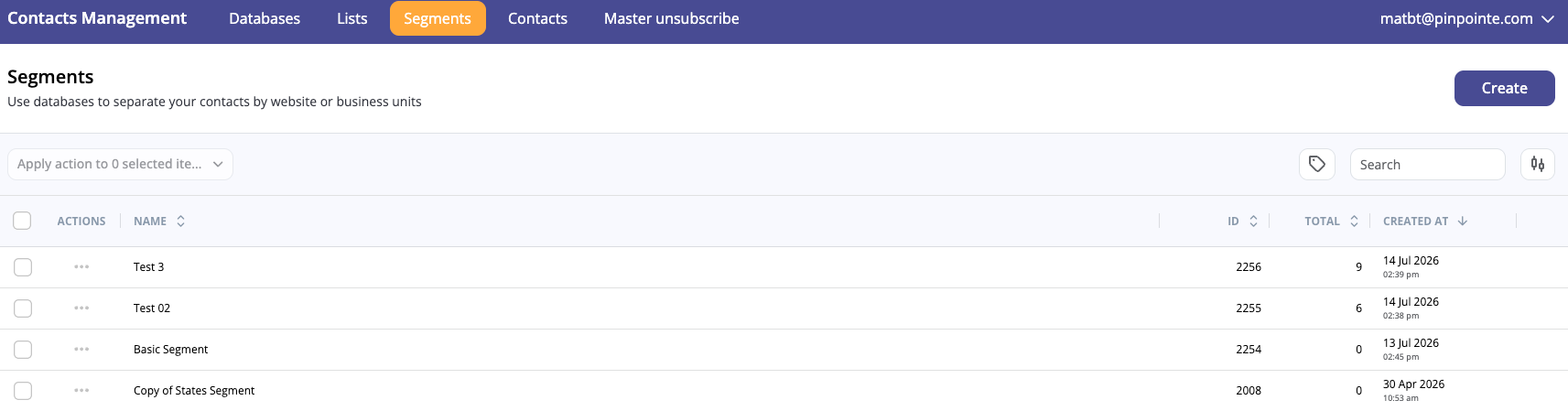
- Segments are flexible dynamic lists that can be changed at any time with customizable fields that let you better manage your lists into more specific audiences.
- Contacts are what make up databases, lists, and segments. At the very least, they have an e-mail address, but often include other vital contact information including first names, last names, and phone numbers.
- Master Unsubscribe Lists display the contacts will receive no emails at all from your email campaigns.
- Transient Suppression Lists features contacts that won't be emailed even if they are still subscribed to a contact database.


Import / Export
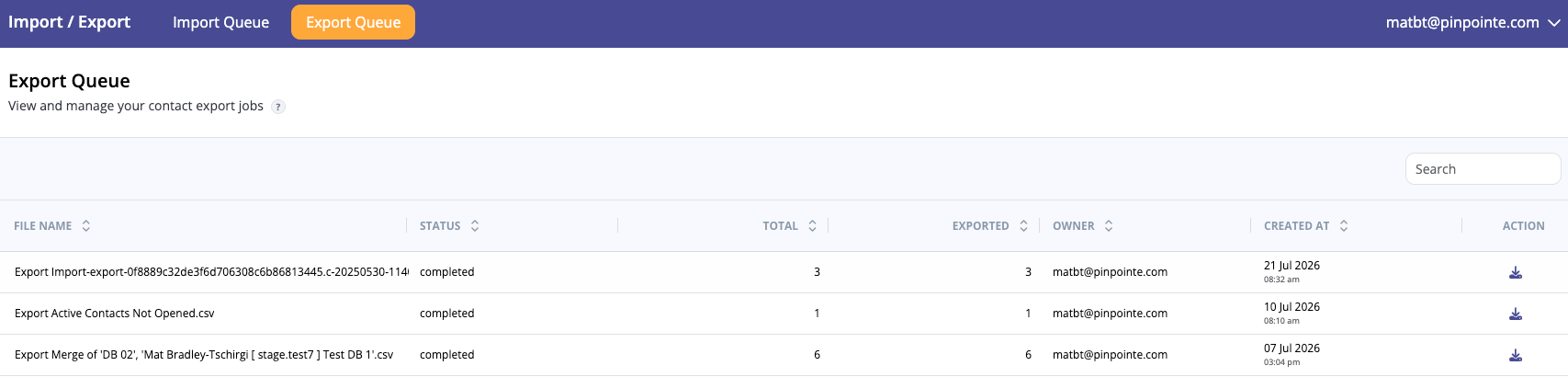
Import/Export features the queues for imports and exports.
- Import Queue is where you can check the status of import jobs such as importing contacts to databases.
- Export Queue is where you can check the status of export jobs such as exporting contacts to databases.

Email Campaigns
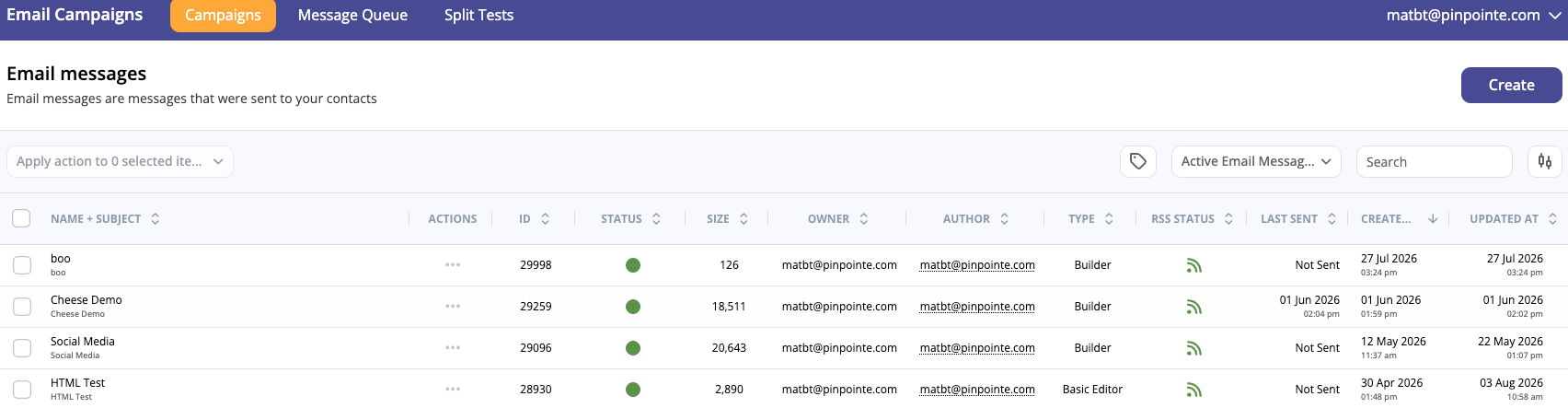
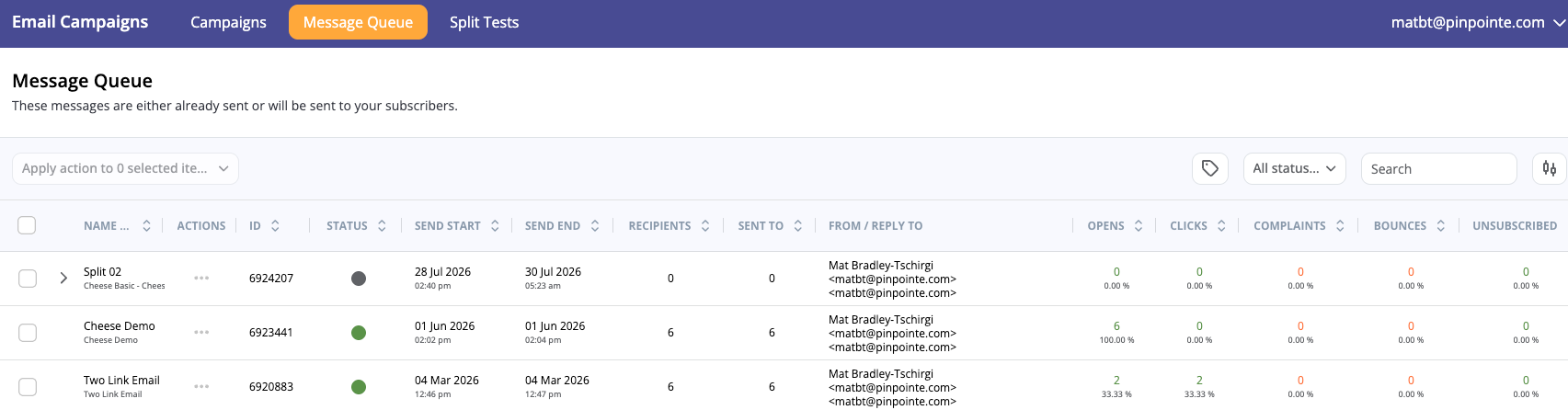
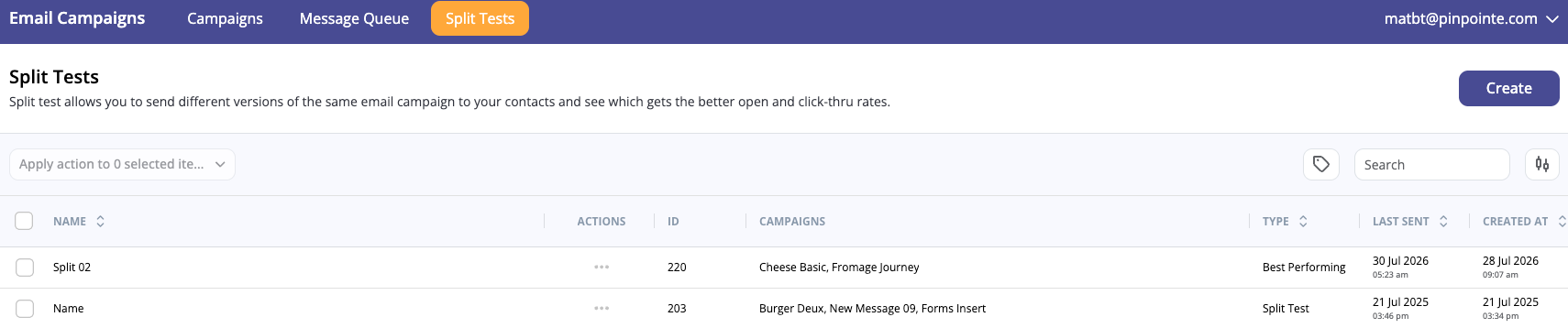
Email Campaigns have sections relating to your email messages and split tests.
- Campaigns are emails sent to your contacts.
- Message Queue shows the status of either email campaigns already sent or those that will be sent to your subscribers.
- Split Tests let you send different versions of the same email campaign so you can judge which ones get better open and click-thru rates.
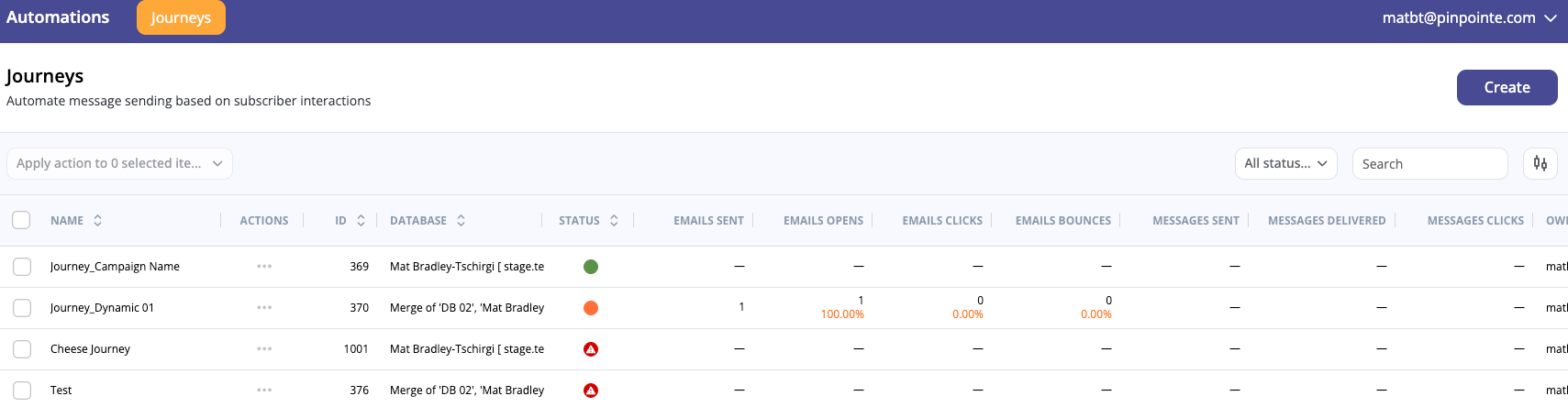
Automations is where you can keep track of your Journeys.
- Journeys are automated emails that send based on subscriber interactions that you can configure.
Resources Management
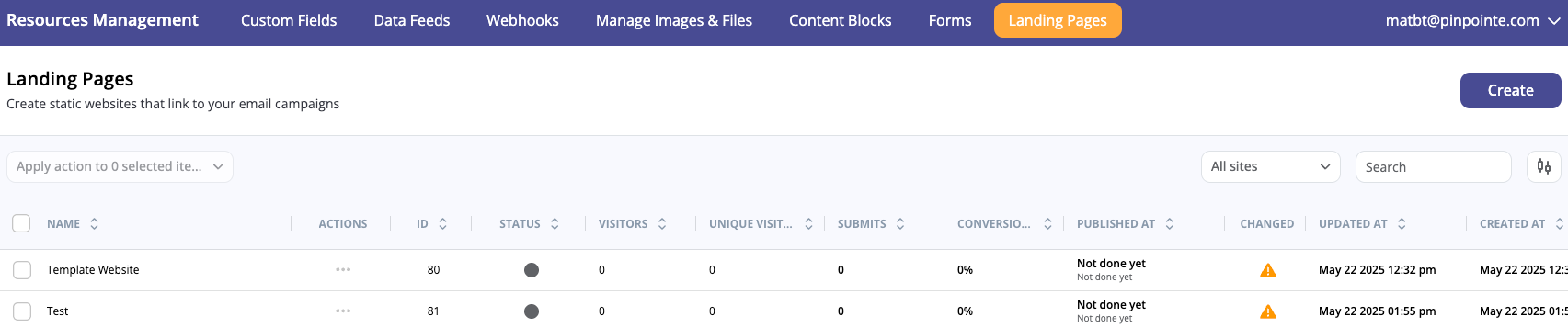
Resources Management is a large hub for a variety of resources including custom fields, data feeds, web hooks, and more.
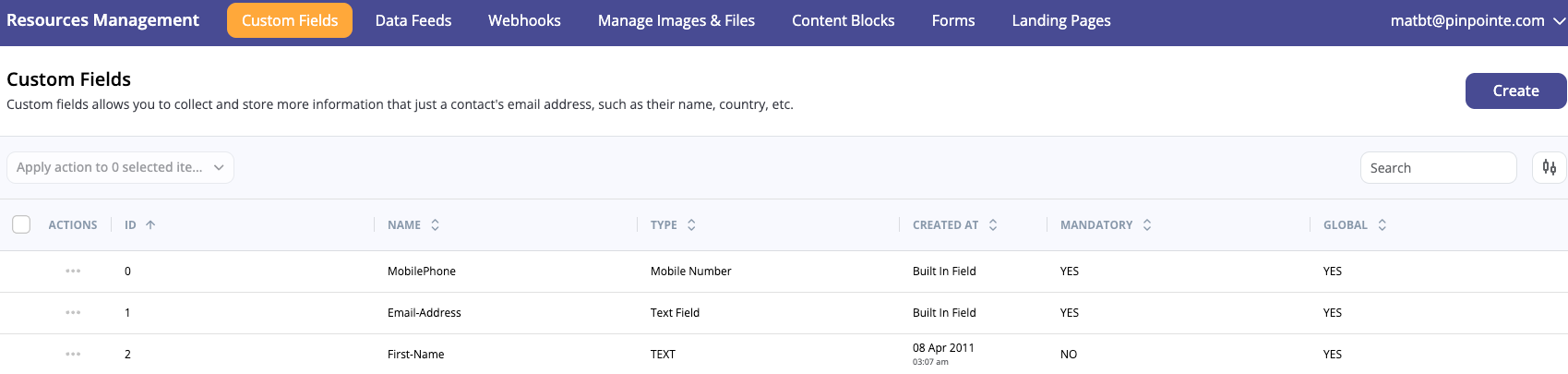
- Custom Fields let you collect and store more specific information than default fields like name, country, etc.
- Data Feeds inject information from an external source into your campaign in real-time.
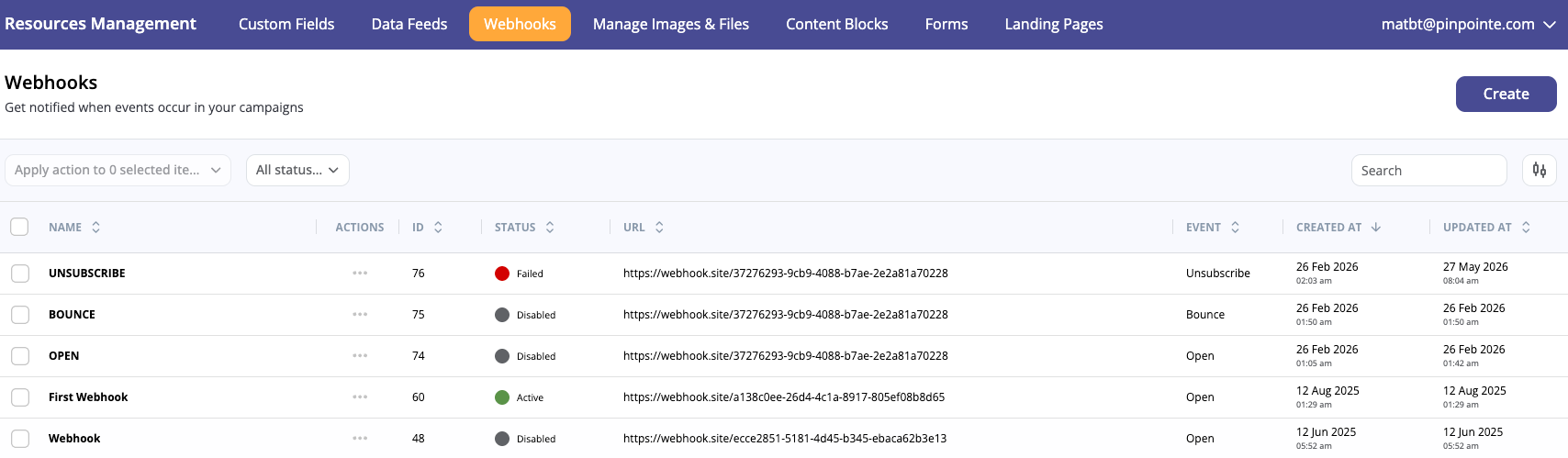
- Webhooks help notify you when events occur in your campaigns such as bounces or unsubscribes.
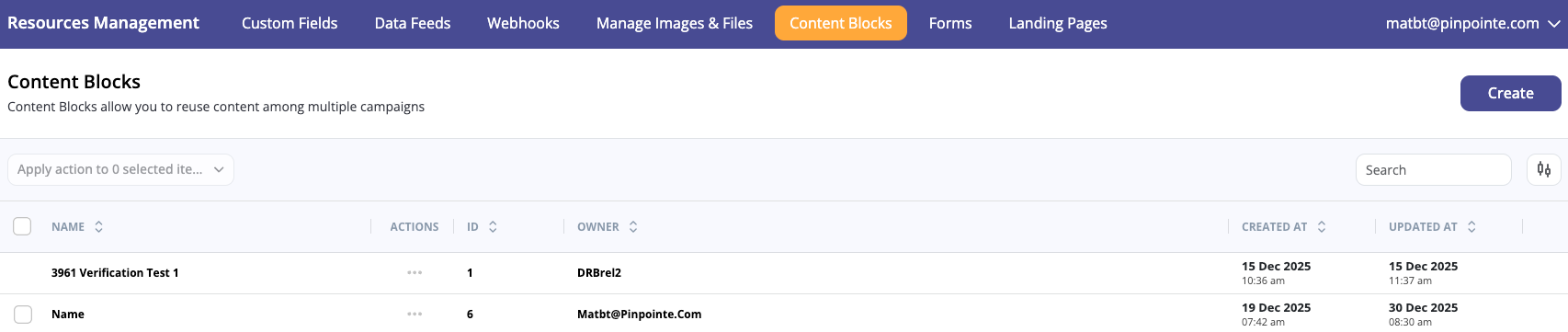
- Content Blocks let you reuse content among multiple campaigns.
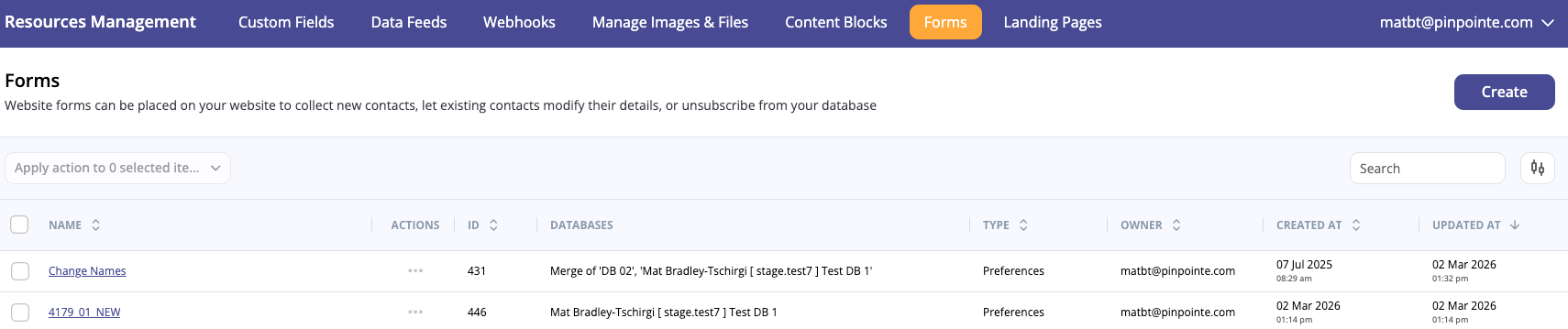
- Forms can be placed on your website to do things like collect new contacts, change their existing contact information, or unsubscribe from your database.
- Landing Pages are static websites which feature links to your email campaigns.