Did you know in the New UI you can convert a search from the Contacts page into a segment?
Why don't we go through the process together?
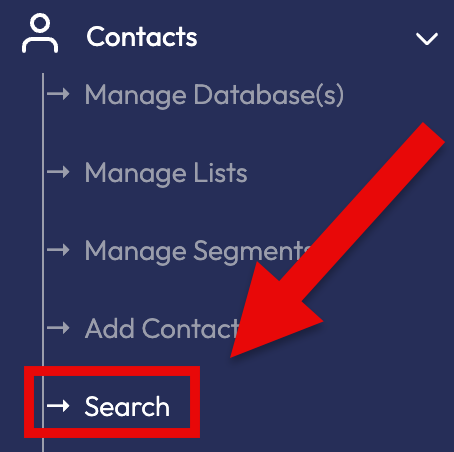
Go to the Contacts Management page by navigating to Contacts -> Search in the side menu (Fig 1).
Fig 1
Click on the Databases button at the top to select which database's contacts you want to display (Fig 2).
Fig 2

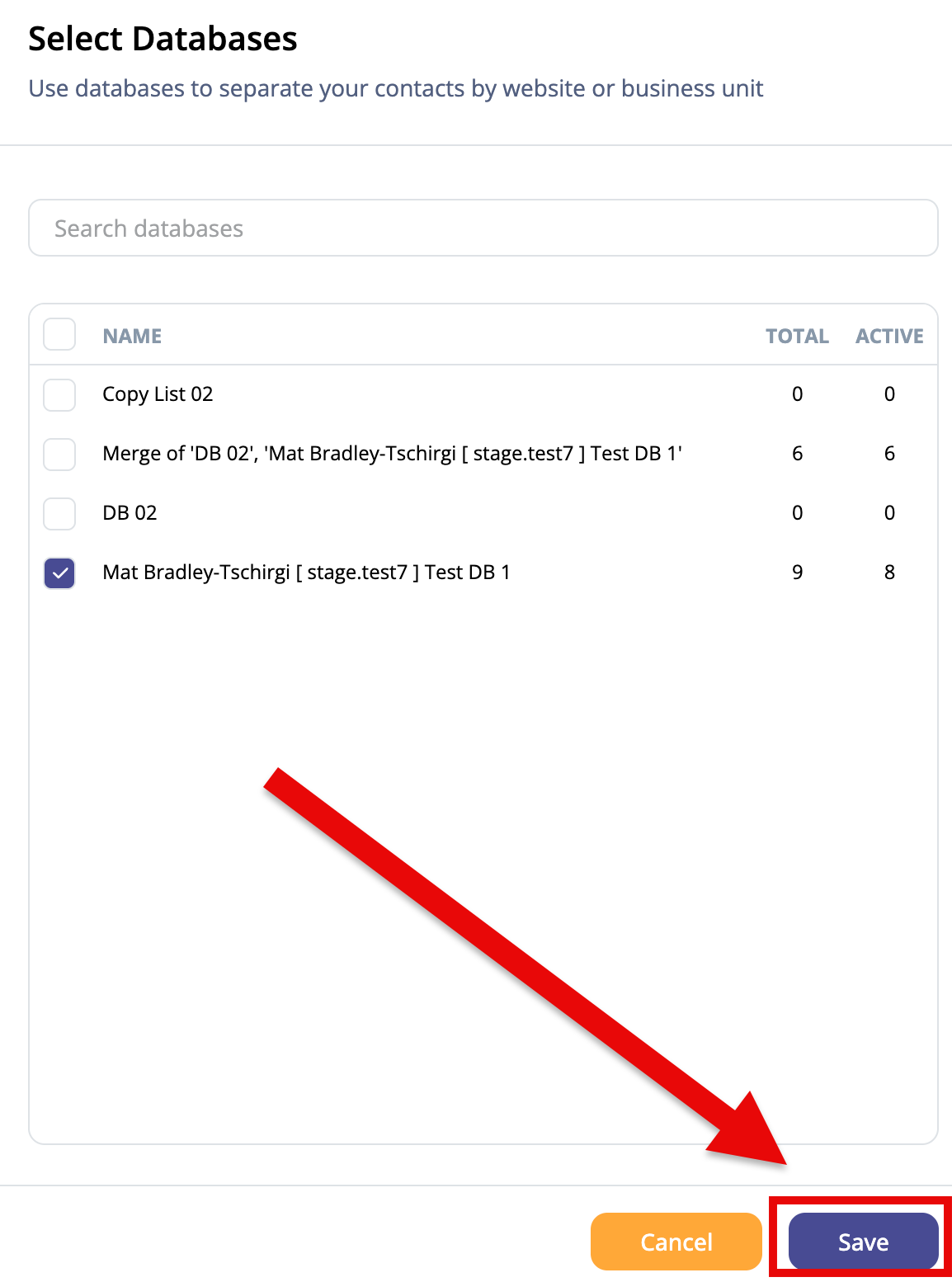
Once you've selected the database or datbases you want, click on Save to return to the Contacts page (Fig 3).
Fig 3
Now we should see all the contacts from the database listed.
In the Search bar in the upper-right of the screen, type in a search term to narrow the contacts down (Fig 4).
Fig 4

You can further refine you search by clicking on the Filters button in the upper-right (Fig 5).
Fig 5

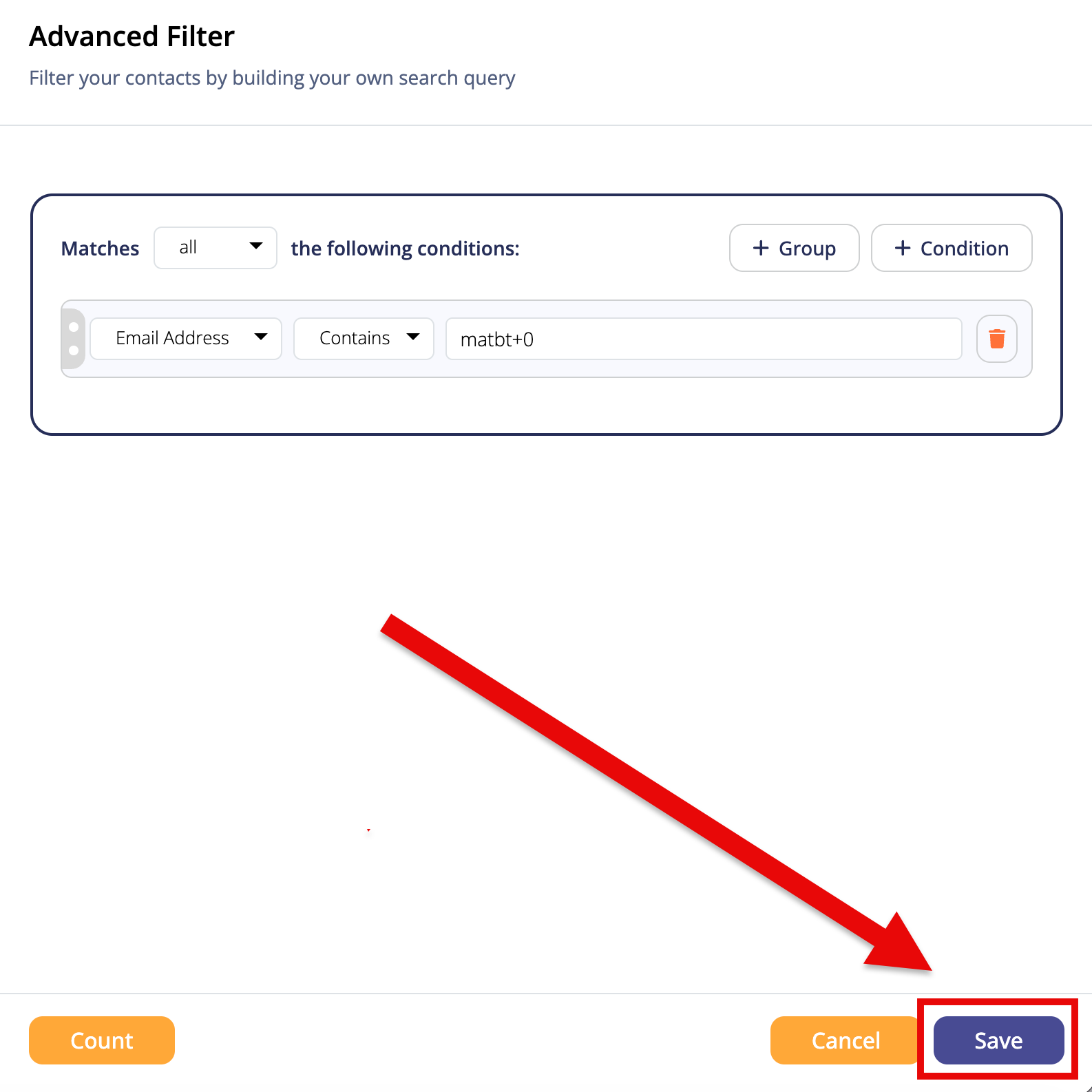
After configuring your filter, you can clicks the Save button to return back to the Contacts page (Fig 6).
Fig 6
Now that your search and filter is all set up how you want it, let's click on the Save as segment button to the left (Fig 7).
Fig 7

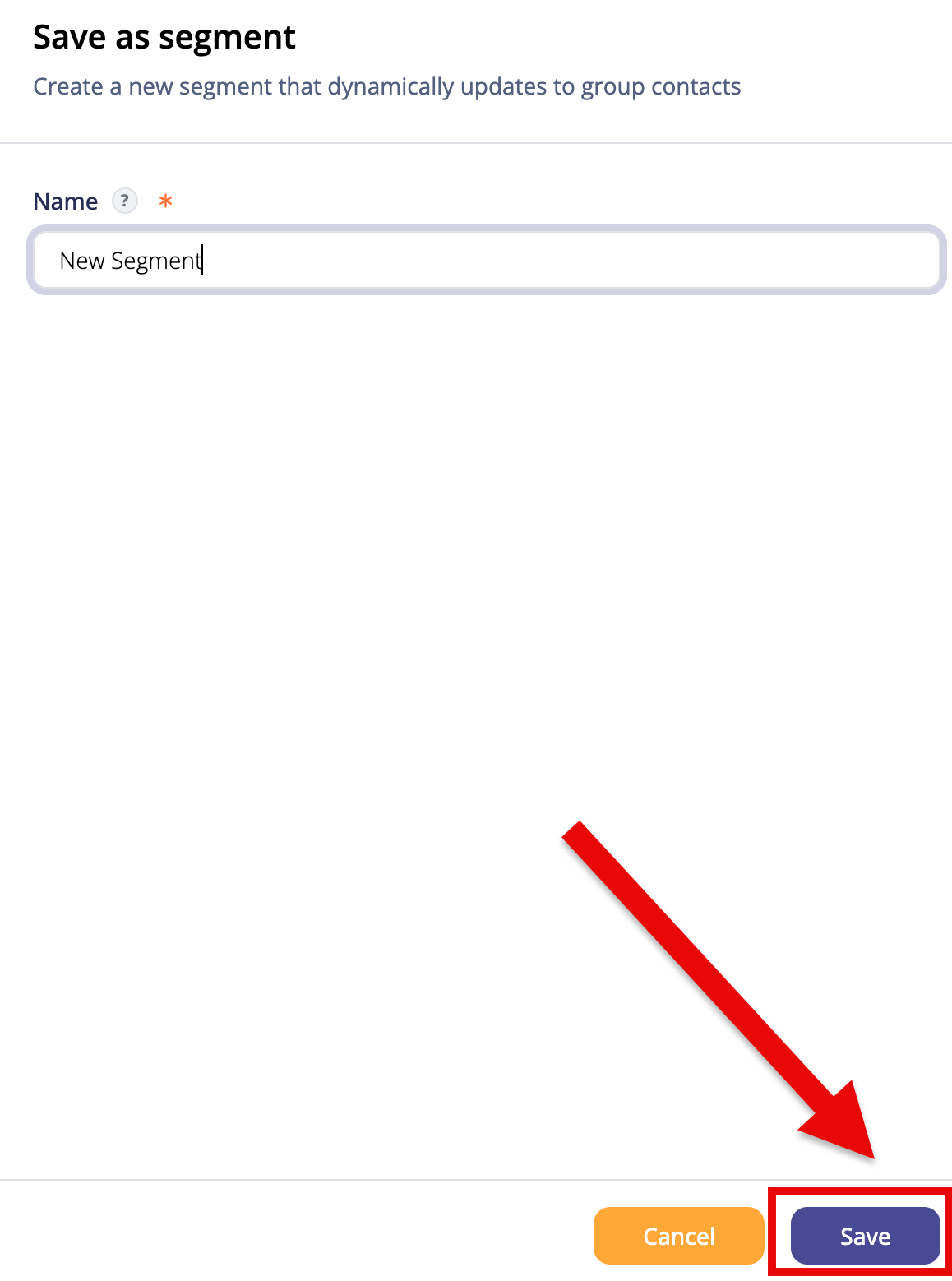
Now that the (Fig 8).
Fig 8
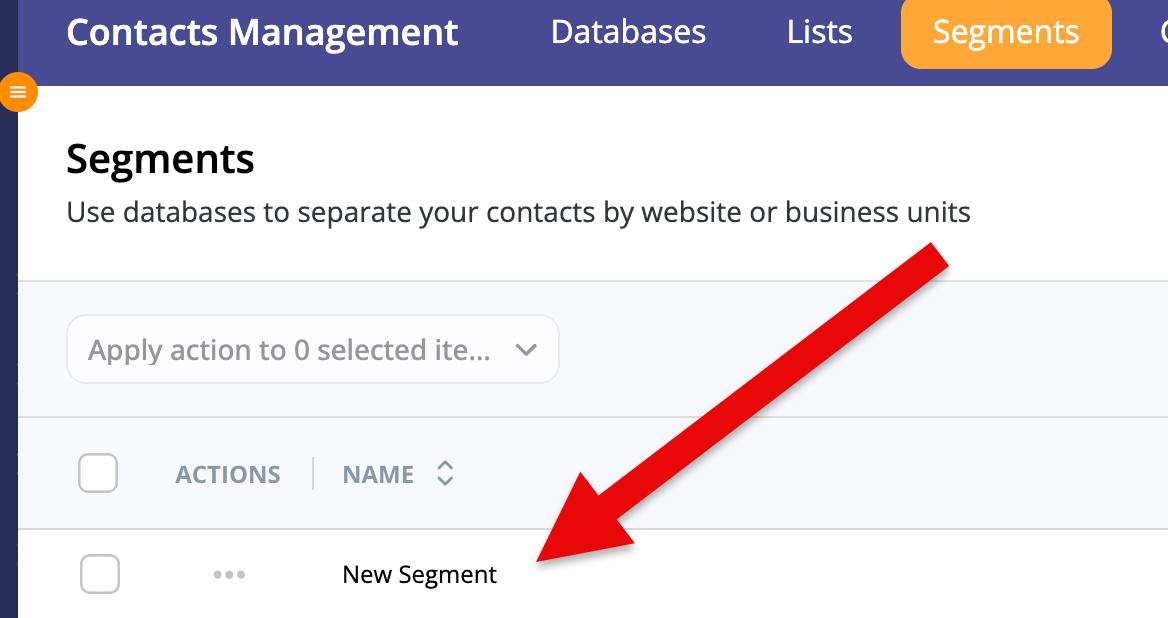
Now that your Segment is saved. If you navigate over to the Segments page, we can see your new Segment added at the top ( Fig 9).
Fig 9