On the Data Feeds screen, click the Actions icon (...) next to the Data Feed you want to view.
This will bring up the Data Feed Action Menu (Fig 1).
Fig 1
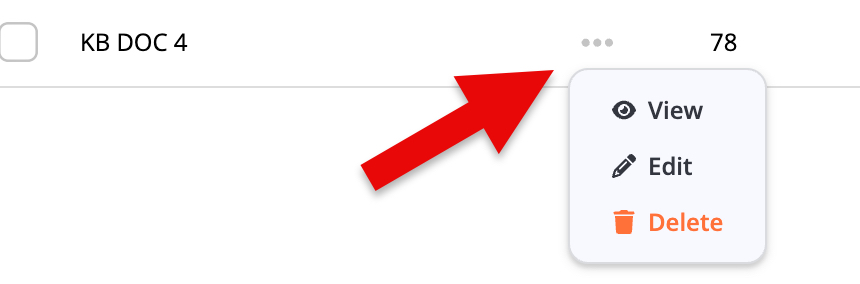
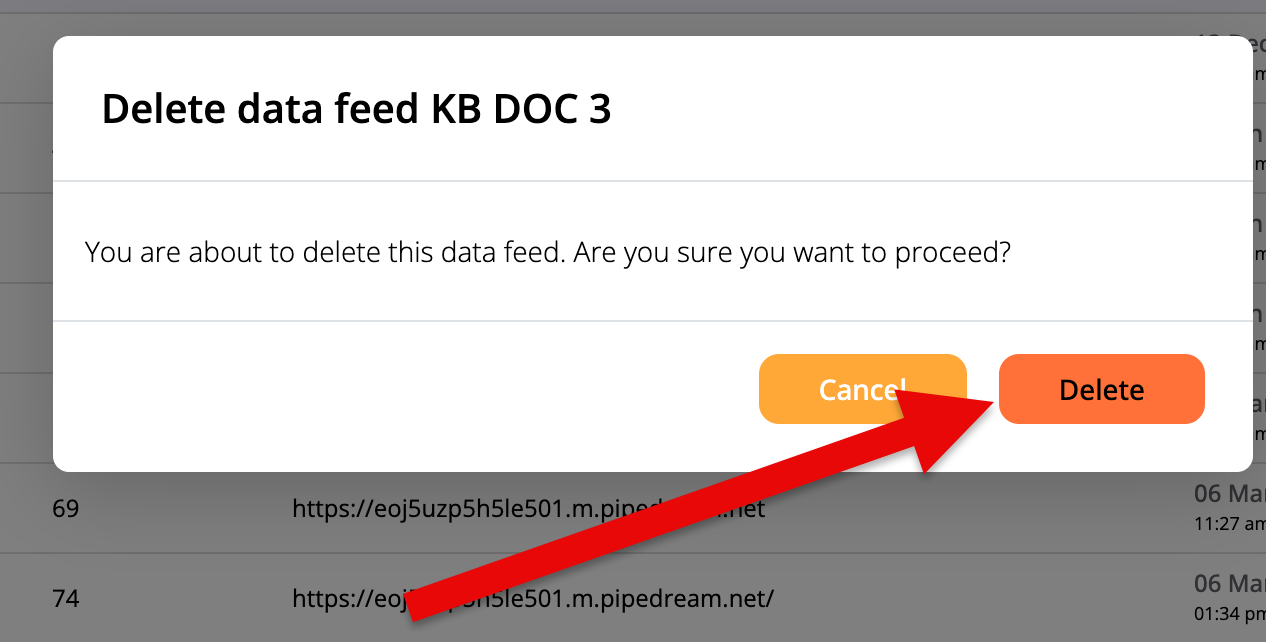
Click the Delete option (Fig 2).
Fig 2
If deleting the Data Feed is successful, you'll see a Success notification (Fig 3).
Fig 3

Learn more about Data Feeds by accessing the pages below: