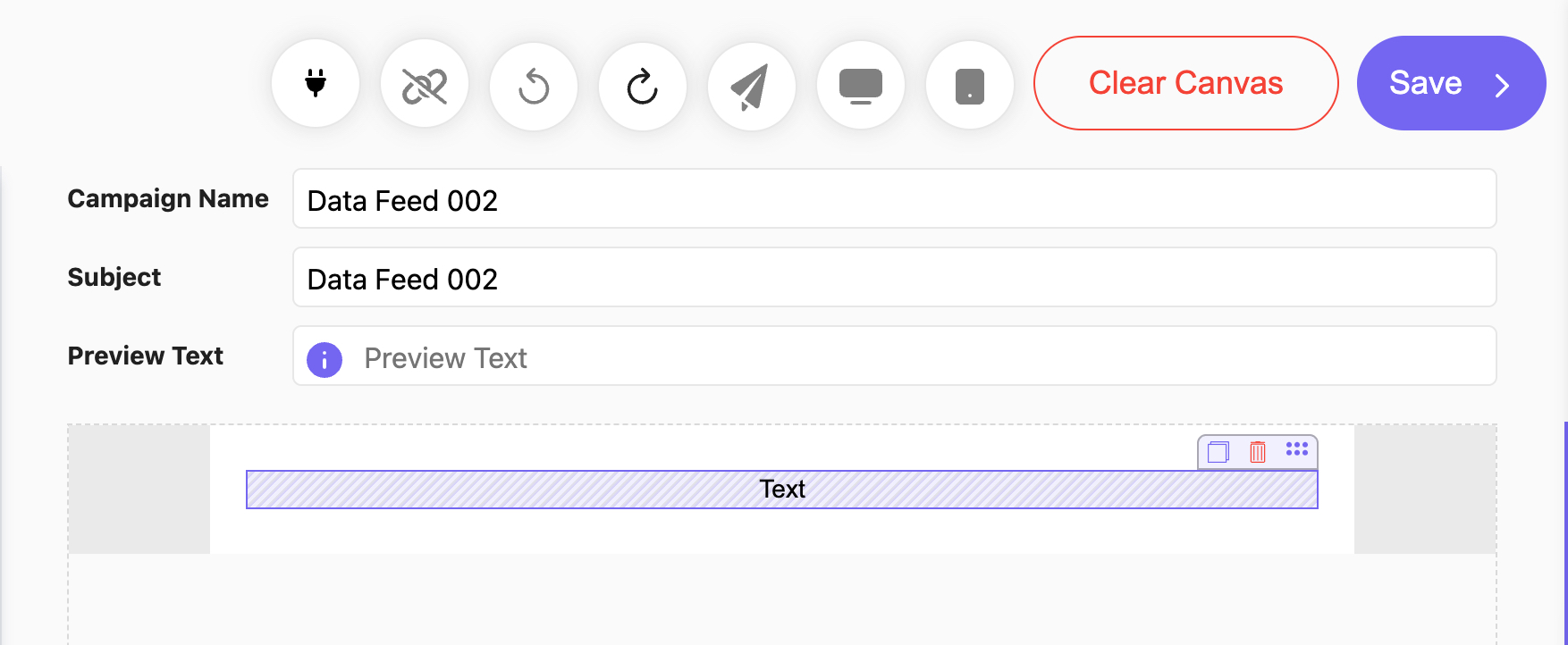
To add Data Feeds to an Email Campaign created in the DND Builder, add an Empty Block and drag a Text Widget inside (Fig 1).
Fig 1
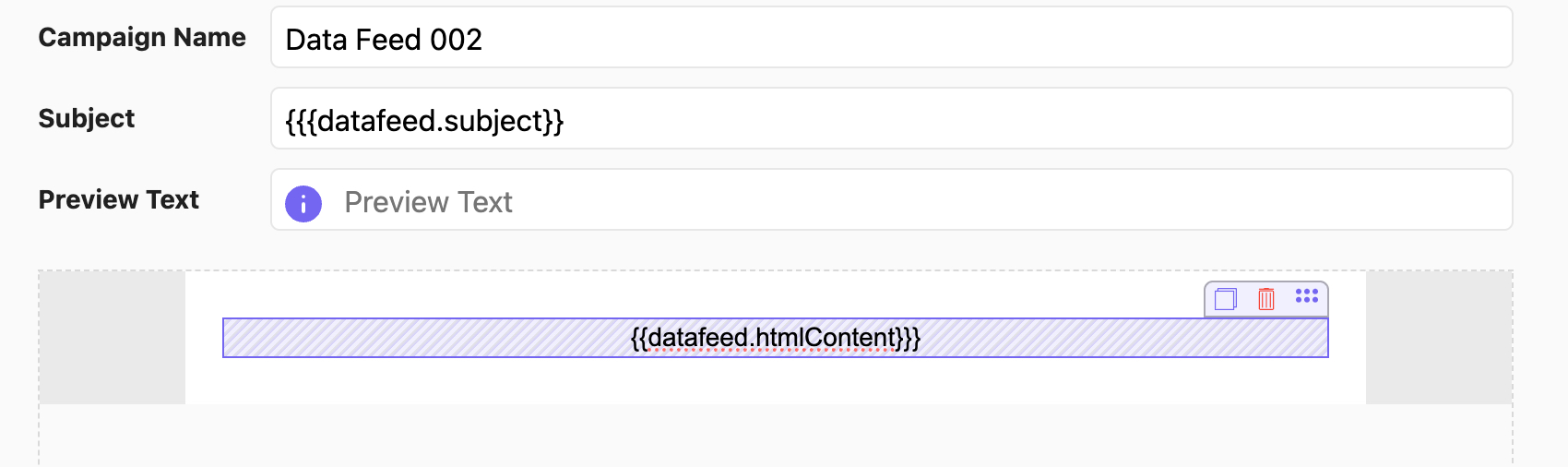
After modifying the text how you like, the Data Feed information can be entered surrounded by 3 curly brackets on each side (ex. {{{datafeed.htmlContent}}} or {{{datafeed.subject}}} (Fig 2).
Fig 2
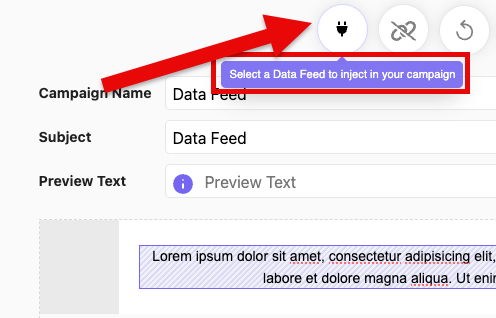
To inject the Data Feed into your Email Campaign, click the electric plug icon (Fig 3).
Fig 3
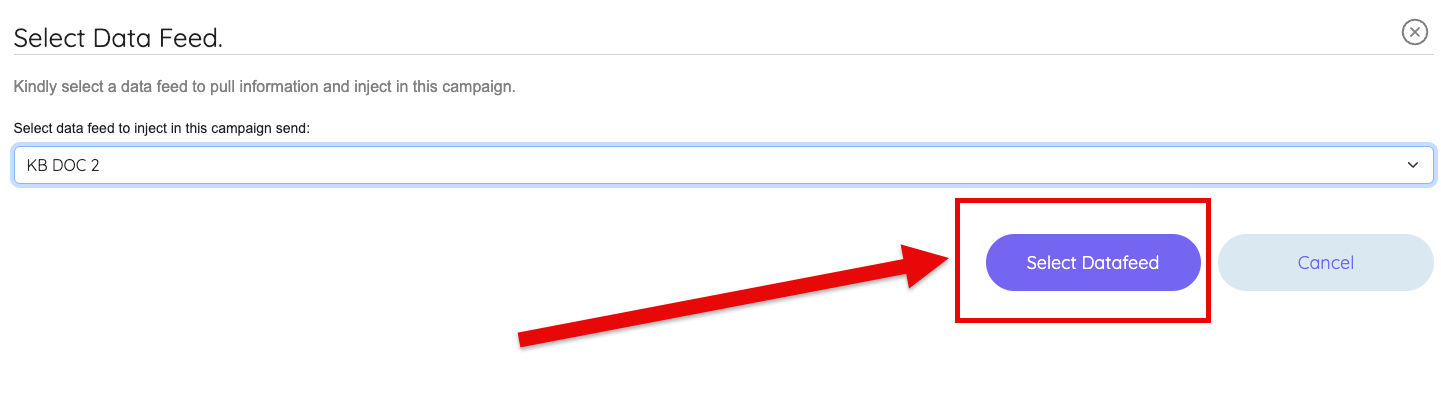
This will bring up the Select Data Feed window (Fig 4). Select the Data Feed you want to inject into your campaign and click the "Select Datafeed" button to add it to your campaign.
Fig 4
Learn more about Data Feeds by accessing the pages below: