On the Data Feeds screen, click the Actions icon (...) next to the Data Feed you want to view.
This will bring up the Data Feed Action Menu (Fig 1).
Fig 1
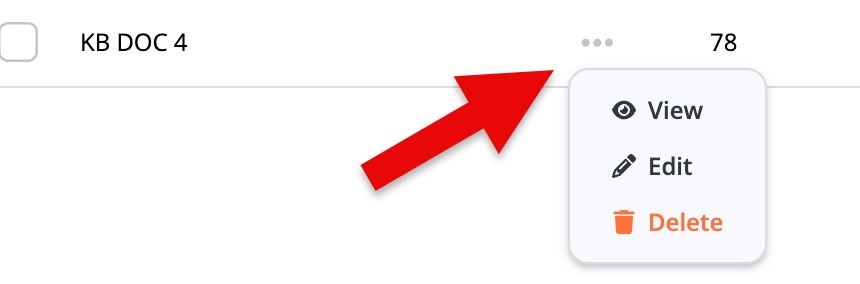
Click the View option to bring up the View Data Feed screen (Fig 2).
Fig 2
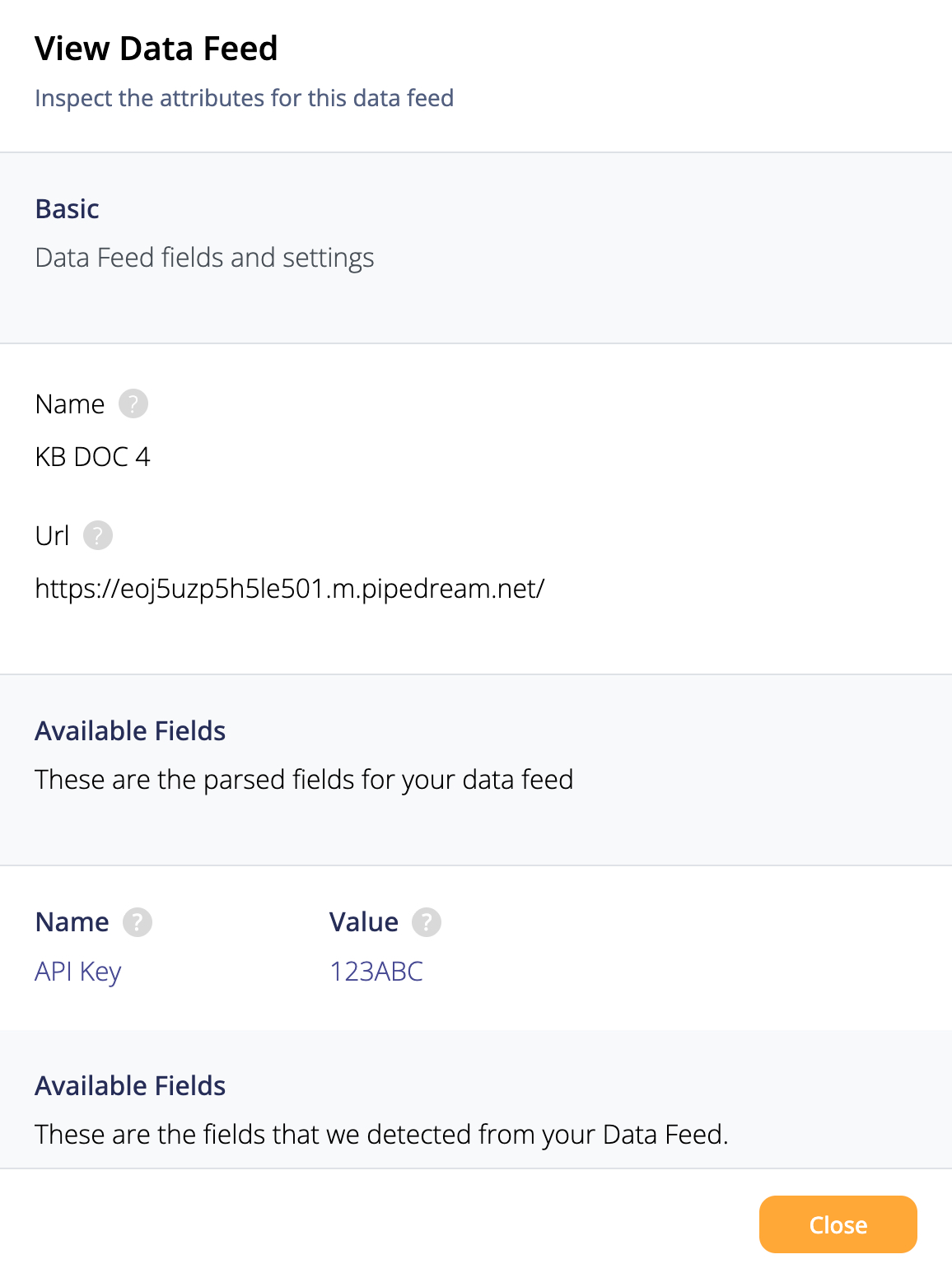
When you View a Data Feed, you can look at all the values, but can't change any of them.
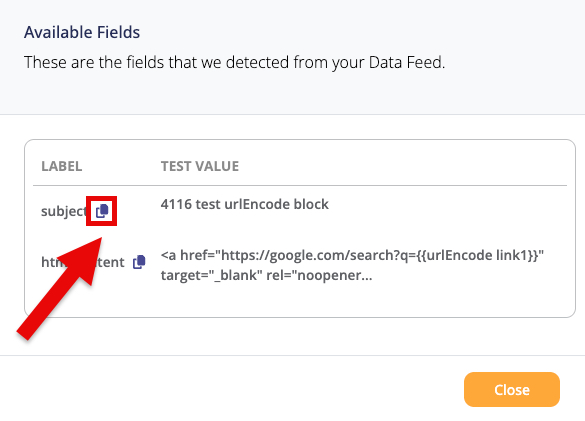
Under Available Feeds, if a field has a Copy icon next to it, you can click it to copy the text in that field with a single click (Fig 3).
Fig 3
After you're done Viewing a Data Feed, click on the Close button to return to the Data Feeds menu.
Learn more about Data Feeds by accessing the pages below: