To add Data Feeds to an Email Campaign created in the Basic Editor, click the Data Feeds button at the top of the screen (Fig 1).
Fig 1
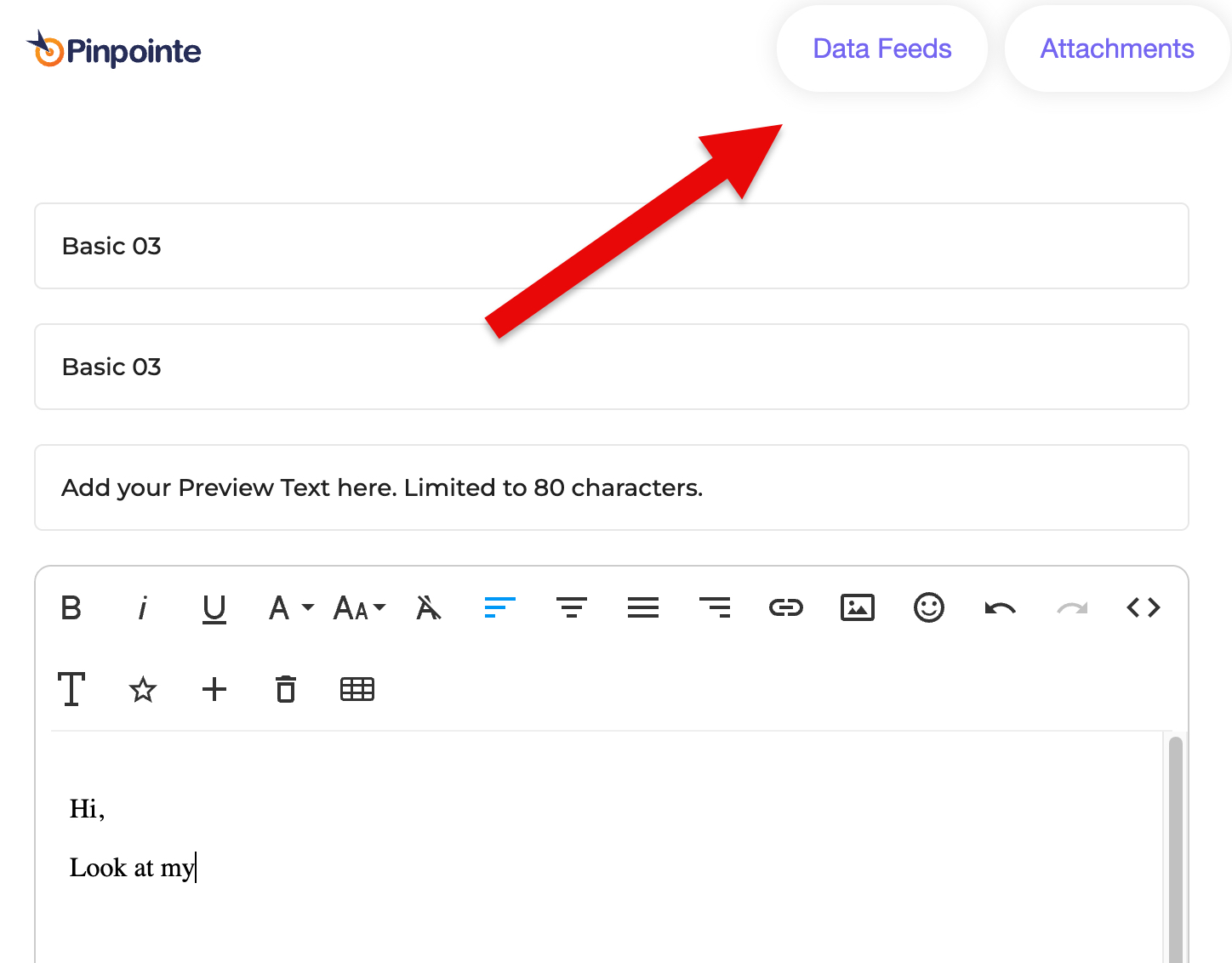
This opens the Select Data Feed window.
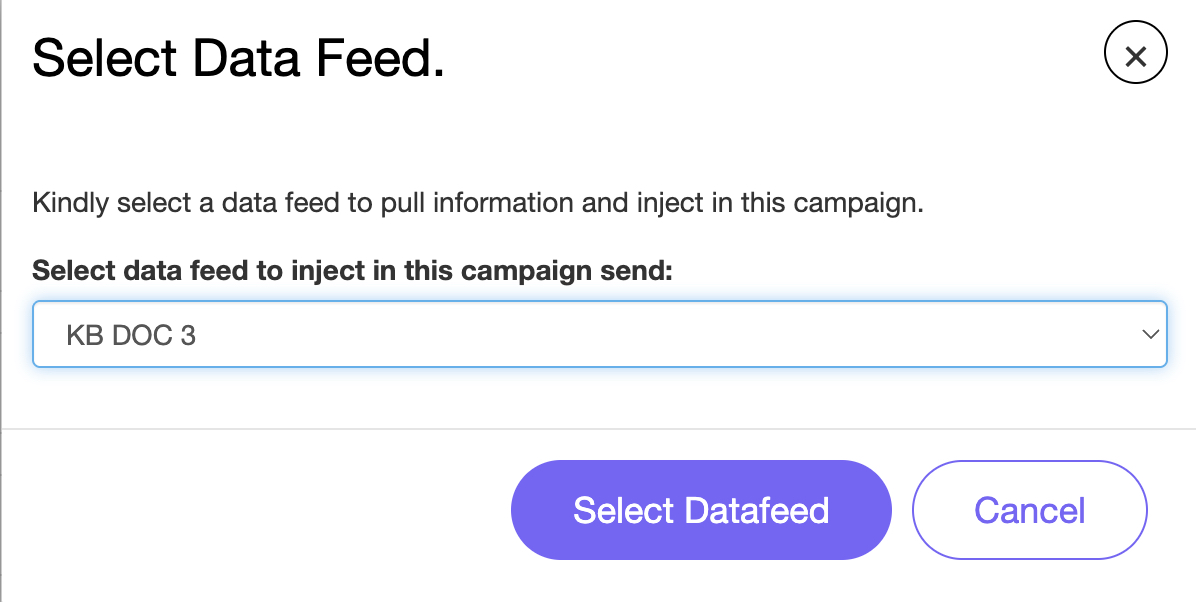
Select the Data Feed you want to inject into the campaign send and then click Select Datafeed (Fig 2).
Fig 2
You need to include {{{datafeed.subject}}} and/or {{{datafeed.htmlContent}}} in the body of the campaign.
Learn more about Data Feeds by accessing the pages below: