TABLE OF CONTENTS
In the Basic Editor, you can add Content Blocks either manually or through the Custom Variables modal.
Custom Variables Modal
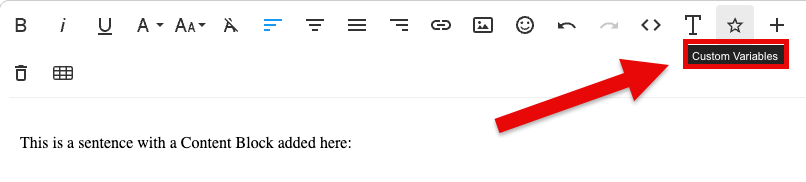
Click the Custom Variables (star icon) to bring up the Custom Variables modal.
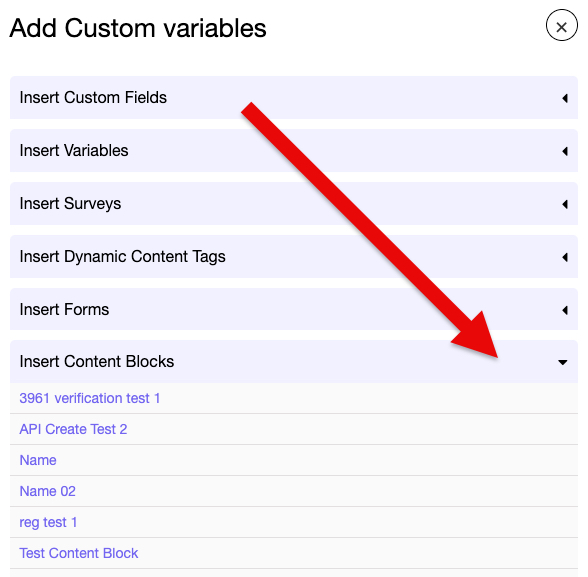
Scroll down to Content Blocks and click on the Content Block you wish to add.
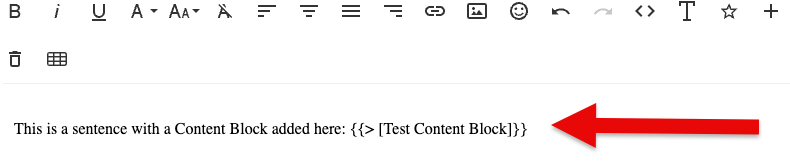
Now you'll see it added in the body of your email.
Manually Adding Content Blocks
In the Basic Editor, you can type in the Content Block with the same "{{> [name of block'}}" formatting (Fig 1).
Fig 1
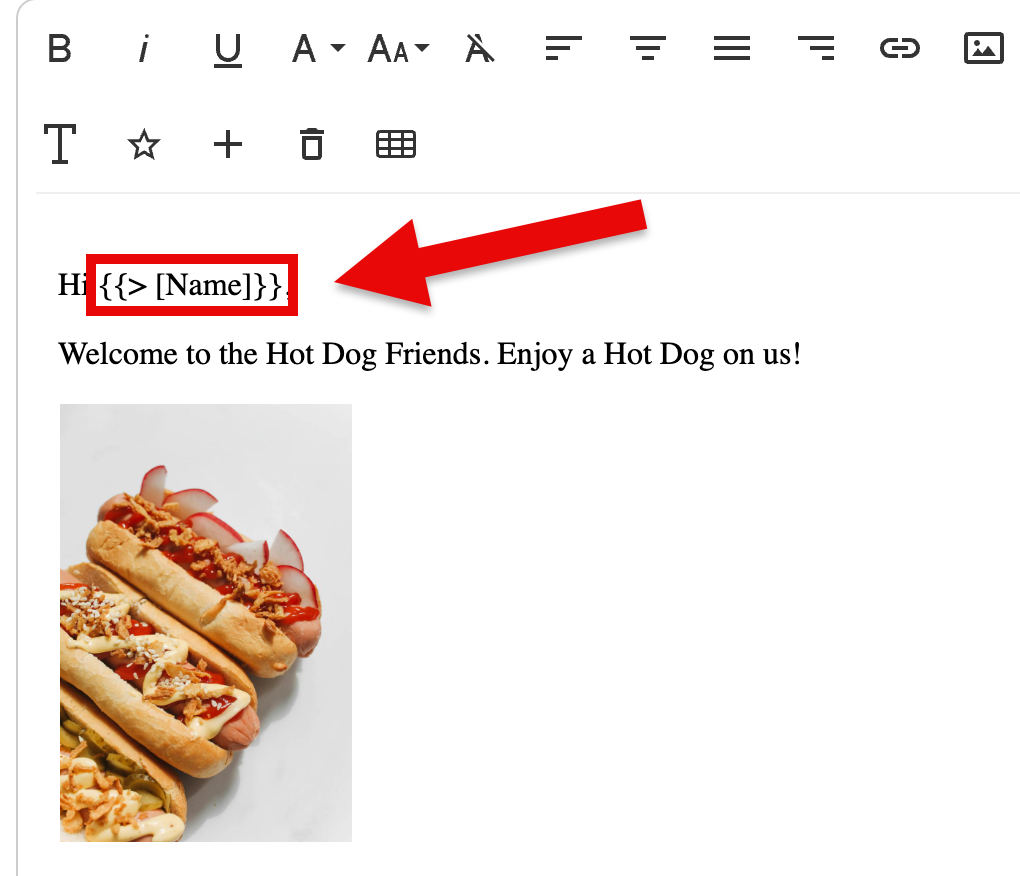
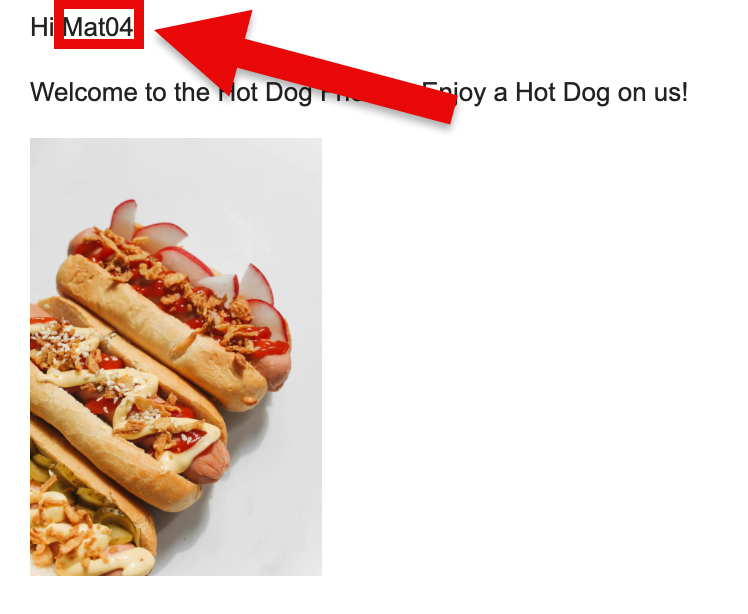
When receiving emails sent from campaigns using Content Blocks from the Basic Editor, the result is the same as when doing so from the DND Editor (Fig 2).
Fig 2
To learn more about Content Blocks, click on the corresponding link below:
Adding Content Blocks in the DND Builder